Accounting
Books that stay in sync with your ops
Journals, ledgers, and reports linked to sales, payments, and expenses — so finance and operations stay in one place.
Accounting Module
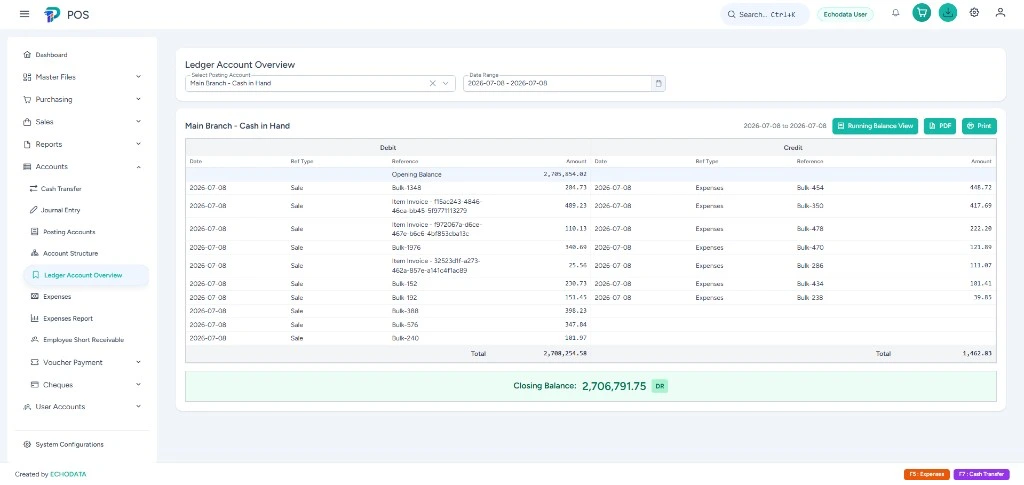
- Ledgers
- Full chart of accounts
- Journals
- Manual & auto from sales
- Parties
- Debtors, creditors & ageing
- Reports
- P&L, balance sheet & exports
Screenshots
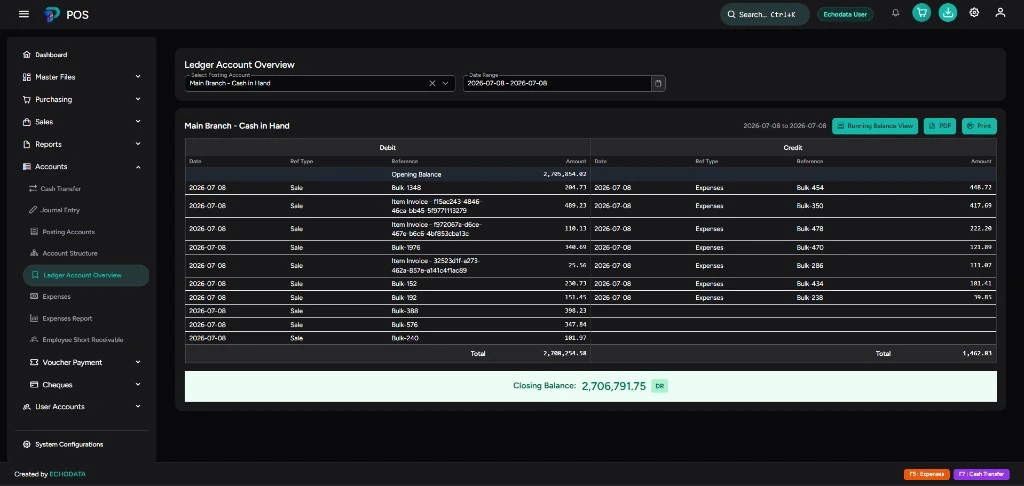
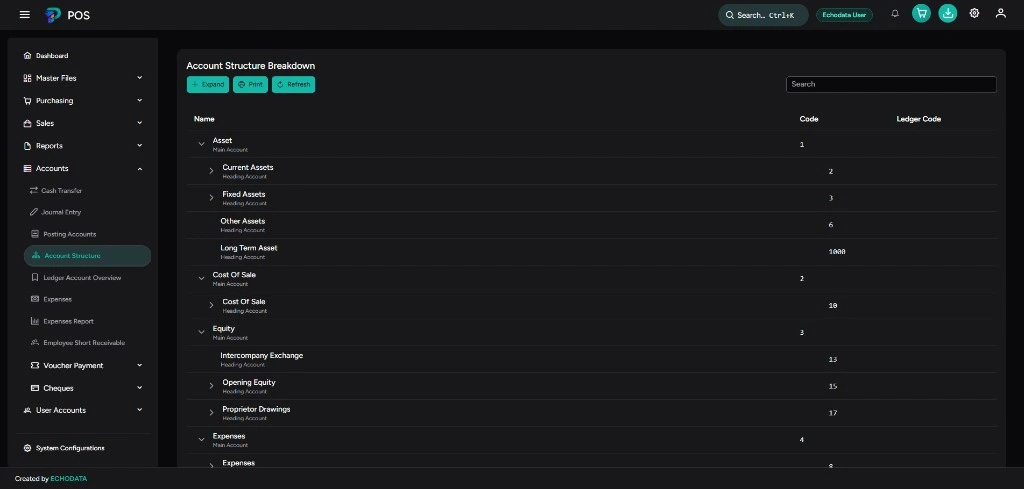
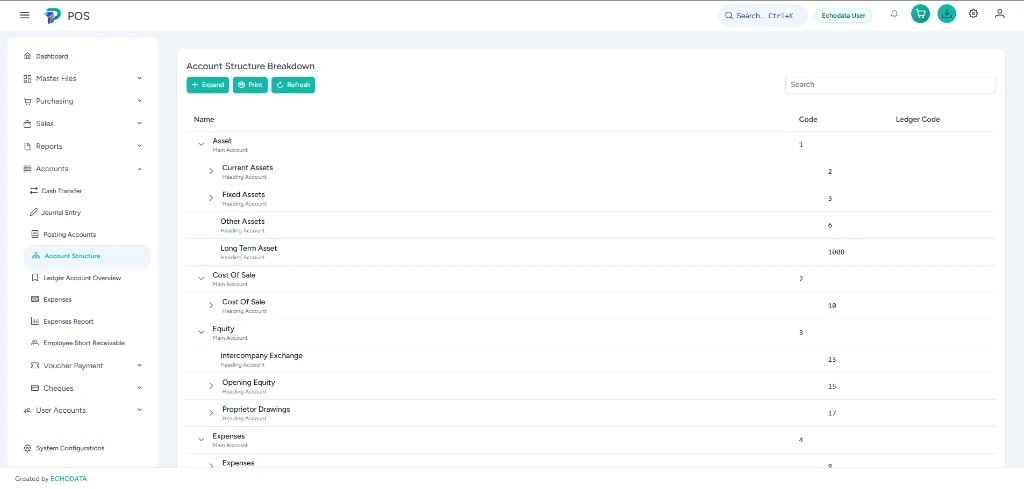
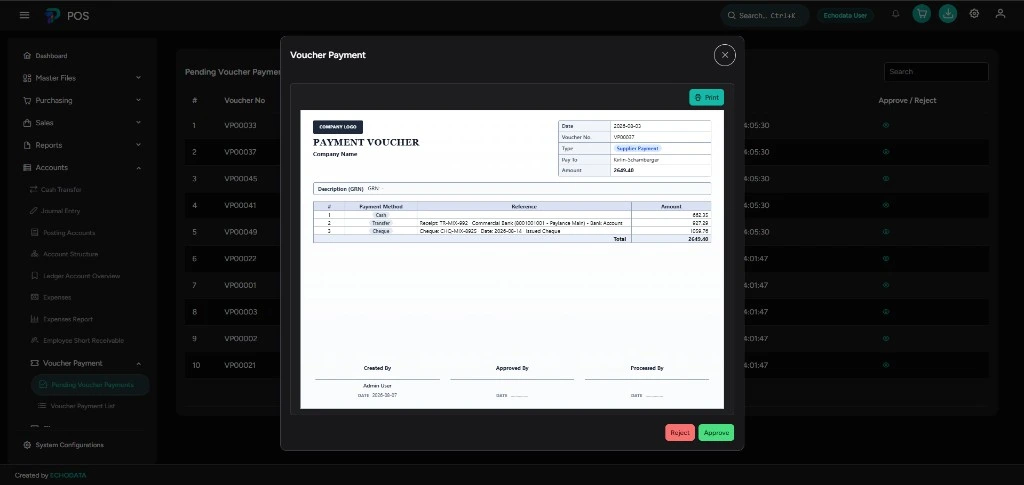
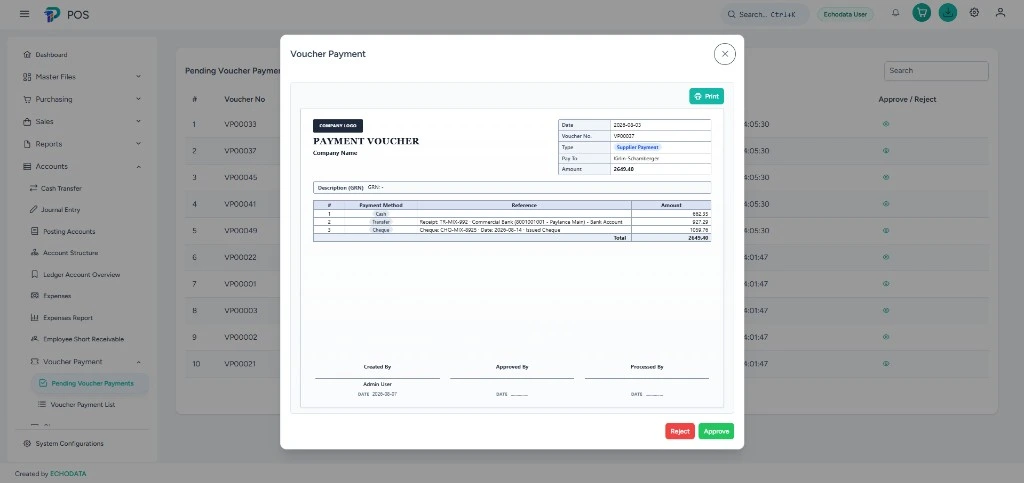
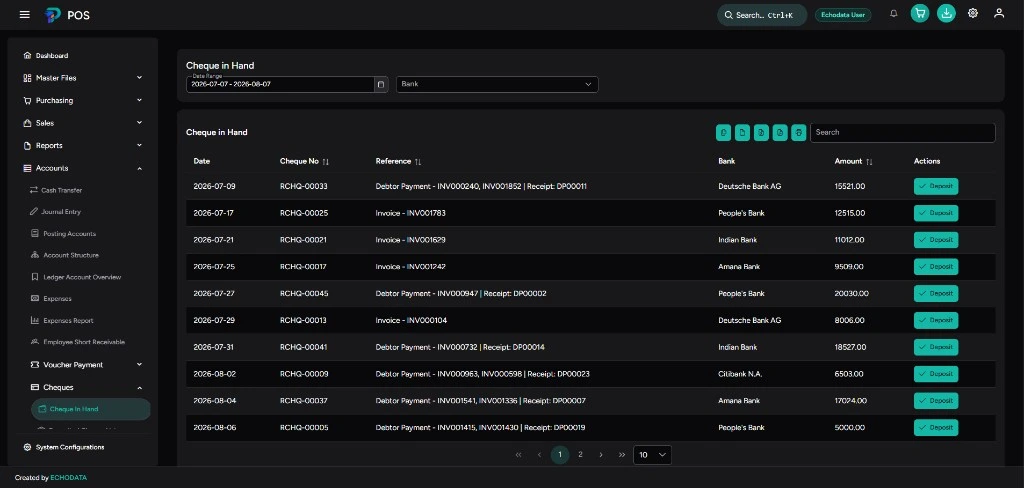
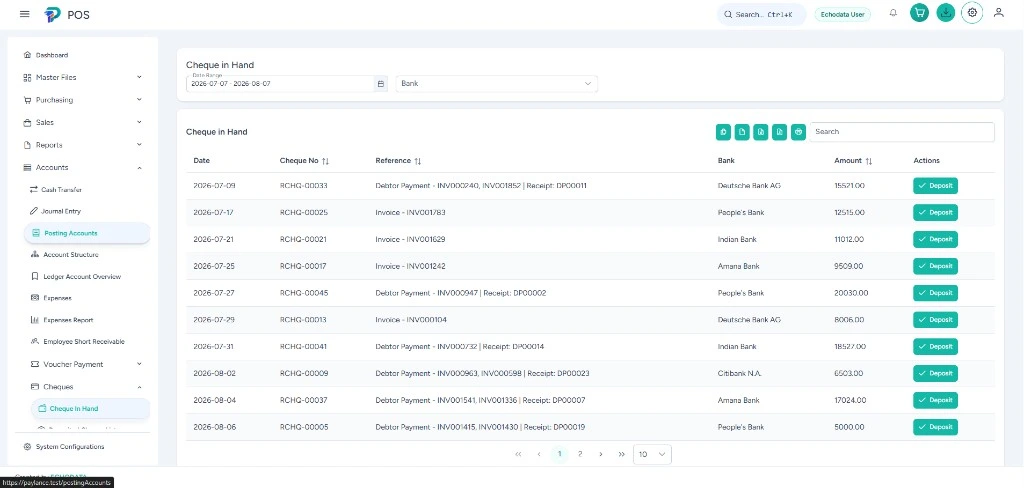
Take a look inside Accounting
Features
What's inside Accounting
Chart of Accounts
- Full ledger structure
- Account groups & types
- Opening balances
- Easy account lookup
Journals & Entries
- Manual journal posting
- Auto entries from sales & payments
- Voucher management
- Entry history & audit
Receivables
- Customer / debtor tracking
- Outstanding balances
- Payment collections
- Ageing & due follow-up
Payables
- Supplier / creditor tracking
- Outstanding payables
- Supplier payments
- Payment history
Cash & Banking
- Cash transfers between accounts
- Cheque management
- Expense recording
- Day-end cash visibility
Financial Reports
- Profit & loss statement
- Balance sheet
- Expense reports
- Export-ready summaries
Workflow
How Accounting works
-
1
Set up accounts
Configure your chart of accounts and opening balances for the business.
-
2
Post journals
Record journals from sales, payments, expenses, and manual entries.
-
3
Track parties
Monitor debtors, creditors, cheques, and cash movements in one place.
-
4
Report & close
Run P&L and balance sheet, then close periods with confidence.
Built for Finance & accounts teams and beyond
Ready to get started with Accounting?
Talk to our team for a walkthrough, pricing, and a tailored setup for your business.
Contact
Start a conversation
Tell us what you are building. We will reply with clarity on scope, fit, and next steps.